 FR
FR  TR
TR  ES
ES  IT
IT  DE
DE  EN
EN 0) If you just want to get started without reading all this...
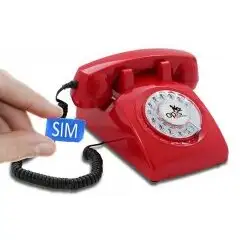
Simply go to the table at the bottom (point 5) and check if your cell phone provider is listed. If yes, the Opis 60s mobile 4G and Opis PushMeFon 4G will work on the network and you can go ahead and buy and operate them.
1) What is BYOD (or BYOP)
BYOD (Bring Your Own Device) or BYOP (Bring Your Own Phone) are offers in the US that allow customers to use a cell phone device purchased from another company than the company that provides the cell service and the SIM card. (Note: In most other countries worldwide this is the norm and package deals of phone&cell phone plan are an option. In the US it tends to be the other way around.).
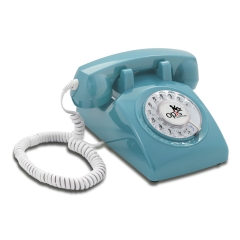
In order to operate the Opis 60s mobile 4G or the Opis PushMeFon mobile 4G in the US, you will need to purchase cell phone service from a company that supports BYOD. Luckily, many companies do.
2) Cell Phone Service Provider Device Restrictions
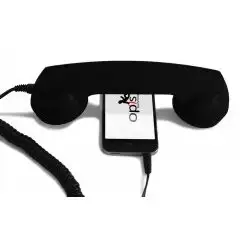
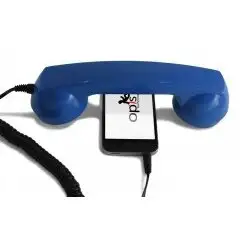
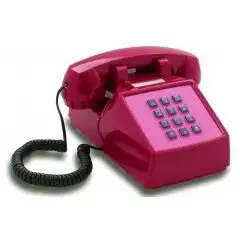
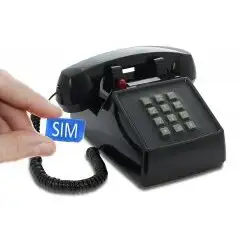
The Opis 60s mobile 4G and Opis PushMeFon mobile 4G are our future-proof versions of the classic desktop mobiles. They are compatible with almost all networks worldwide, including in the USA. However, many US cell phone service providers actively block devices unless the devices have gone through an expensive certification procedure. At the bottom of this pager, there is a list of the cell phone service providers for which the 60s mobile 4G and PushMeFon mobile 4G are not only capable of working (they are capable of working with almost all providers in the US), but also certified to work, or - in other words - allowed onto the network.
3) Setting the phone up for your cell phone provider
With our current generation of 4G phones (sold after June 2024) it is no longer required to perform any cell phone provider specific setup. This should happen automatically in all cases.
Should your phone still not work with a compatible provider (see list below), please do not despair, but contact us by email to
4) Device compatibility checks
Important: As of August 2024 it is possible for a compatibility check to result in "partial compatibility". Please note that this is due to Opis Desktop Cell Phones not being compatible with high speed data transfer. They are pure voice transmission phones, and therefore only make "partial" use of a providers network. "Partial compatibility" is therefore enough to use all functions of your Opis Desktop Cell Phone.
Several cell phone service providers have a device compatibility check on their websites that allows you to find out quickly if a device can be used. Usually, you will need to put in the IMEI number (found on the bottom of your Opis 60s mobile 4G or Opis PushMeFon mobile 4G). If the device compatibility check comes back as positive, you should be good to go with that cell phone service provider.
Please note that cell phone service providers may list Opis Telephones either by chipset or by the device name. So don't be surprised if the Opis 60s mobile 4G or Opis PushMeFon mobile 4G are shown as any of these:
- OPIS MOBILE
- OPIS TECHNOLOGY DEVICE
- QUECTEL
- QUECTEL EG21-G
- OPIS QUECTEL
5) Supported US Cell Phone Providers and Settings
IMPORTANT: Your Opis Technology 4G desktop cell phone should autoconfigure just by putting in the SIM card and switching it on.
The Activation Dial Sequence is not normally needed and can mess up your phone's operation. Only use it when your phone is not working correctly on the network and only as a last resort.
In order to use the Activation Dial Sequence, find the row that corresponds to your cell phone provider, lift the receiver, wait for the dialtone, then dial the activation code exactly as it is written down. If the Activation Dial Sequence was accepted the phone will ring once. You can then try to make a phone call to see if all is working well.
| Country | Cell Phone Provider |
Activation Dial Sequence |
Comments |
| USA | AT&T (*1) |
*004#01#310410#0* | Our devices work on AT&T. However, activation currently requires a workaround. See *1 below. |
| USA |
Best Cellular Blue (AT&T) |
*004#01#310410#7* | |
| Best Cellular Pink (T-Mobile) | *004#01#310260#8* |
|
|
| USA | Black Wireless | *004#01#310410#7* | |
| USA | Boom! purple Mobile. | *004#01#310410#7* | |
| USA | Breezeline Mobile | *004#01#310280#0* | |
| USA | Freedom Pop | *004#01#310280#0* or *004#01#310260#8* |
Try each and wait 5 minutes after applying, then try a phone call. |
| USA | FreeUp Mobile | *004#01#310280#0* or *004#01#310410#4* |
Try each and wait 5 minutes after applying, then try a phone call. |
| USA | GenMobile (GSM: AT&T & T-Mobile) | *004#01#310260#8* or *004#01#310410#7* |
Try each and wait 5 minutes after applying, then try a phone call. |
| USA | H2O Wireless | *004#01#310410#8* | |
| USA | Helium Mobile | - |
Contact us, if your device doesn´t work automatically on Helium Mobile. |
| USA | Jethro Mobile | *004#01#310260#8* | |
| USA | Liberty Mobile | *004#01#310260#8* | |
| USA | Lycamobile USA | *004#01#310260#2* | |
| USA | Metro by T-Mobile | *004#01#310260#9* | |
| USA | Mint Mobile | *004#01#310260#8* | |
| USA | Pure Talk | *004#01#310410#8* | |
| USA | Redpocket GSMA | *004#01#310410#7* | |
| USA | Redpocket GSMT | *004#01#310260#8* | |
| USA | SpeedTalk Mobile | *004#01#310260#8* | |
| USA | Tello Mobile | *004#01#310240#8* | |
| USA | Ting X3 | *004#01#310240#9* | |
| USA | T-Mobile | *004#01#310260#9* | |
| USA | Ultra Mobile | *004#01#310260#8* | |
| USA | Unreal Mobile | *004#01#310410#7* | |
| USA |
US Mobile Dark Star |
*004#01#310410#7* | |
| USa |
US Mobile Light Speed |
*004#01#310260#8* | |
| USA | Wing Blue | *004#01#310410#0* | |
| USA | Wing Purple | *004#01#310260#9* |
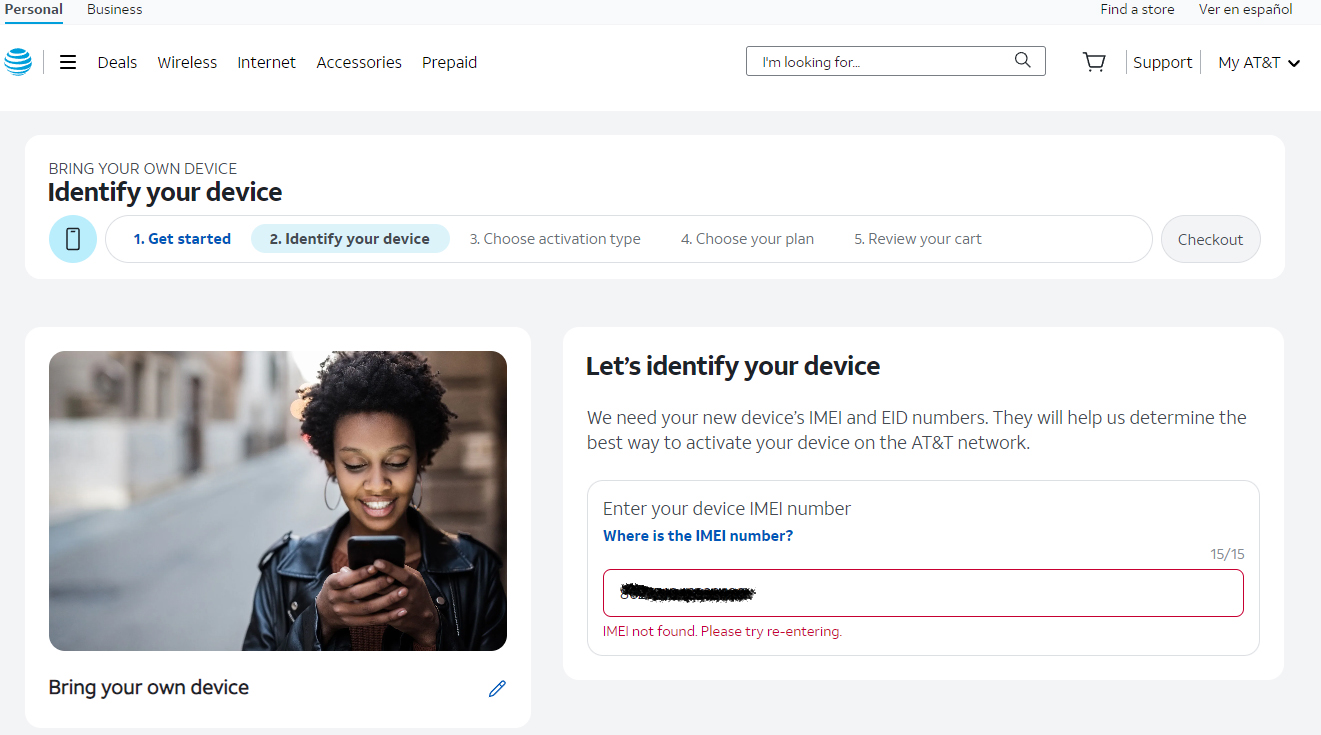
*1 ) AT&T registration requires users to provide an IMEI number. The IMEI numbers provided at the bottom of your Opis telephones are currently not found by AT&T (see screenshot below). We are investigating the issue and are trying to resolve it as soon as possible. Unfortunately, experience tells us that this will take a very long time. In the meantime, the workaround is:
- Register and activate your AT&T SIM-card with another cell phone (fill in this cell phone's IMEI in the field shown below).
- Once registration is complete, use the provided SIM-card adapter to put the card into your Opis 60s mobile 4G or Opis PushMeFon mobile 4G and switch it on.
- Your Opis telephone will now work normally.
- In case you have any further issues or questions, please contact us by clicking here.
6) Previously supported US Cell Phone providers that are currently not guarranteed to work
| Country | Cell Phone Provider |
Comments |
| USA | Access Wireless | reason unclear |
| USA | Consumer Cellular (on T-Mobile) | reason unclear |
| USA | Consumer Cellular (on AT&T) | reason unclear |
| USA | Good2Go mobile | reason unclear |
❓Should you require further assistance you can use our support form by clicking here.❓